
Most proxy products are a gateway. You get a hostname, the country hides in the username, and the exit can change. Proxy Solutions sells the address itself. A personal IPv4 is one host and one port, with unlimited traffic, and the country is chosen when you buy it. HTTP, HTTPS and SOCKS5 are on that same address. A city plan adds the city. That is the part that stands out: the IP stays, and you are not billed by the gigabyte for keeping it.
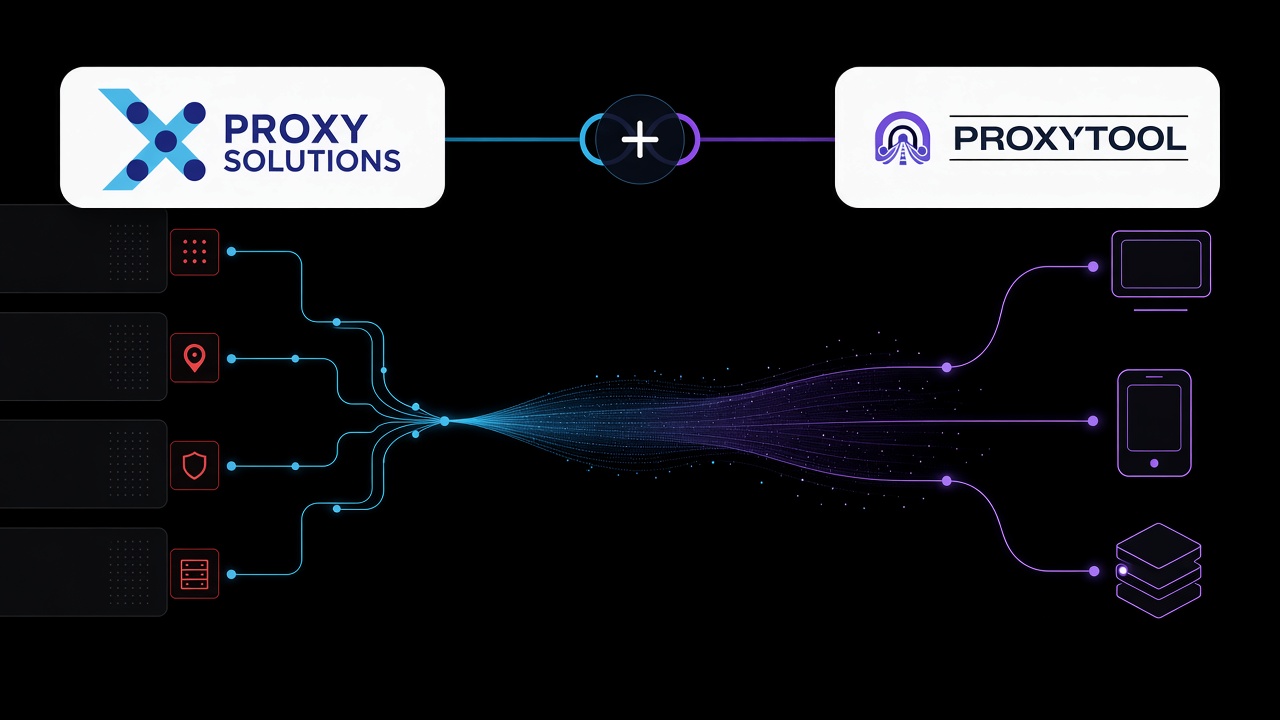
That shape is what a proxy client wants. ProxyTool takes the host, port, username and password and applies that one endpoint to the apps you name. A parser, a launcher and plenty of other programs have no proxy settings of their own. Telegram is not one of them: it already has proxy settings of its own. One SOCKS5 or HTTP proxy, one rule per app, and the rest of the machine stays on your own connection. The same job is what people look up a Proxifier alternative for.
What the address is
The list on proxy-solutions.net is a set of endpoints, not one shared pool:
- Personal IPv4, and packs of those addresses. HTTP, HTTPS and SOCKS5 over TCP. Unlimited traffic. The country is part of the order.
- Prime. An ISP address, or a residential or business one. SOCKS5 here also carries UDP, which is what a game or a voice app needs.
- City. Country and city, again with UDP on SOCKS5.
- UDP proxies, and mobile proxies when the exit should be a phone network.
- MTProto, Telegram's own protocol. That line stays inside Telegram. It is not a SOCKS5 endpoint, so it does not go into the proxy client.
They list more than 200 locations. A second country is a second address. You do not edit a flag in the username the way a residential gateway asks you to.
Add it in ProxyTool
- In the Proxy Solutions dashboard, copy the host, port, username and password, and the protocol printed next to that IP: HTTP, HTTPS or SOCKS5.
- In ProxyTool, open Proxies and add a proxy. Paste the fields. Use SOCKS5 when the app is not a browser. Prime, city and UDP products are the ones whose SOCKS5 also carries UDP.
- Name it after the address: "Proxy Solutions US 1", "Proxy Solutions Berlin".
- Run Check. Protocol, login and exit country should match the address you bought.
- Add a rule for the process, or for the hosts that job talks to. Leave the default rule on your own connection, so only the named app leaves through that IPv4.
The same fields are the proxy client for Windows. macOS uses them too.
Or tell the assistant: "Add this Proxy Solutions proxy and route only the parser through it." Nothing is applied until you confirm.
The strings ProxyTool AI already accepts are \protocol://user:pass@host:port\, \protocol://host:port:user:pass\, and \host:port:user:pass\.
One address, one app
Each Proxy Solutions IPv4 stays its own proxy. The parser can keep the address a site already accepts. A second app can keep a different country. Replacing an address in their dashboard means updating that one proxy, not every rule on the machine.
Their browser extension switches the IP inside the browser. It does not put the same IPv4 on an app that has no proxy settings. The proxy client does.
Check the exit from the app you routed
Open the IP lookup from the app you routed, then the DNS leak test and the WebRTC leak test. The country should be the one on that address. If the lookup still shows your own country, the rule is not on that app.