
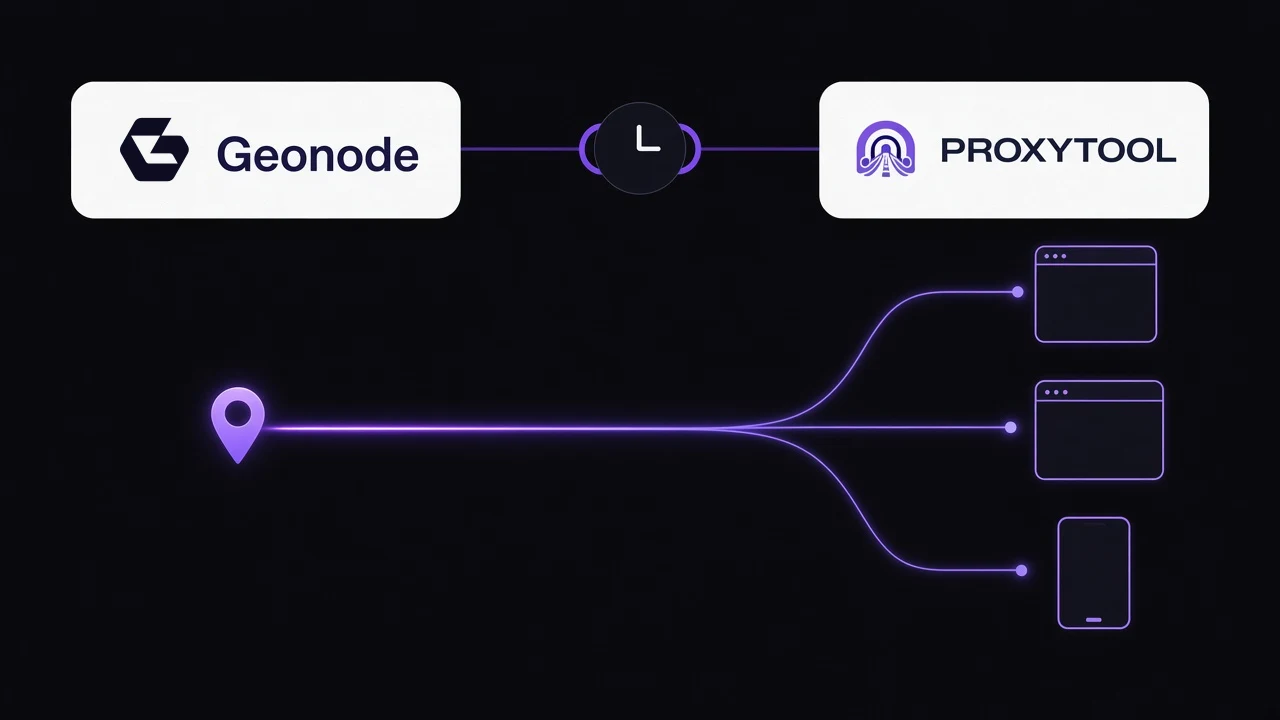
The Geonode question showing up this year is not which provider prints the biggest pool. On r/SaasDevelopers, a team weighing Geonode against Bright Data and Oxylabs for mid-scale scraping got a practical reply: Geonode is solid value for the price, the API is easy to work with, setup is quick, and for general web scraping or less aggressive targets the performance is respectable. A second thread, on r/proxies, was shopping for something more specific: US and Canada residential exits, SOCKS5, a sticky session of about half an hour, and a country that matches what was requested.
Geonode sells residential proxies, ISP proxies and datacenter proxies. A sticky session is how you keep one of those exits still while a job runs. ProxyTool is the proxy client that puts that exit on the apps you name, including apps that have no proxy settings of their own. Geonode and ProxyTool are partners. The Geonode card is already on the partners page. Buying those pools inside ProxyTool is not in the checkout yet. An endpoint from a Geonode account you already have works now, and it is the same setup a store endpoint can use when purchase is available.
What people are actually asking for
The mid-scale comment is about fit. Residential traffic at moderate concurrency does not always need an enterprise pool. The half-hour sticky request is the other half of that job. A scraper, a logged-in browser or a marketplace check often needs the same exit for the length of the task, then a new one. It does not need the whole computer on that IP.
Geonode's session guide is built for that choice. Rotating changes the exit between requests. Sticky keeps one exit for a duration you set, up to 24 hours, and writes that duration into the proxy username together with a session id. If the connection behind the IP drops, the exit can change sooner than the timer. Use the endpoint the dashboard generates. Ports differ by product, so the copied string is safer than a port you remembered from another account.
Paste the sticky endpoint
From the Geonode dashboard, pick the product, choose HTTP, HTTPS or SOCKS5, then Rotating or Sticky. For sticky, set the interval and copy the endpoint. The username is where the session lives. Change that, not the host, when you want a longer hold or a fresh session.
In ProxyTool you can type the fields, or hand the whole string to ProxyTool AI.
- Open Proxies and add a proxy.
- Paste host, port, username and password. Set the protocol Geonode printed next to the endpoint.
- Name it for the job, such as "Geonode Residential US sticky".
- Run the check. Protocol, login and exit country have to match before you attach an app.
- Add a rule for the process, or for the hosts that job talks to. Leave every other app on the direct rule.
The string shapes ProxyTool AI already accepts are the same ones in the IPRoyal and IPBurger guides: protocol://user:pass@host:port, protocol://host:port:user:pass, and host:port:user:pass. Say which app should use it: "Add this Geonode sticky residential proxy and route only the scraper through it." Nothing is applied until you confirm.
One exit, not the whole device
A sticky residential session is wasted if chat, updates and the browser all share it. The point of a proxy client is the split. The job that needed the Geonode exit uses it. Everything else keeps your own address. Windows, macOS, Linux, Android and iOS use the same fields.
When you can buy it here
Geonode is already on the ProxyTool site. The partner card links to them and names the residential, ISP and datacenter pools. Store purchase is the part still ahead: those pools are not in the checkout yet. Until they are, use the credentials you already pay Geonode for. When buying them is in the checkout, the endpoint still lands in this same proxy list, with the same sticky username and the same app rule.
That is the setup the current discussions keep coming back to. Hold one residential exit for the length of the job, put it on the apps that need it, and leave the rest of the machine alone.